> ## Documentation Index
> Fetch the complete documentation index at: https://docs.tryshipflow.app/llms.txt
> Use this file to discover all available pages before exploring further.
# การติดตั้ง
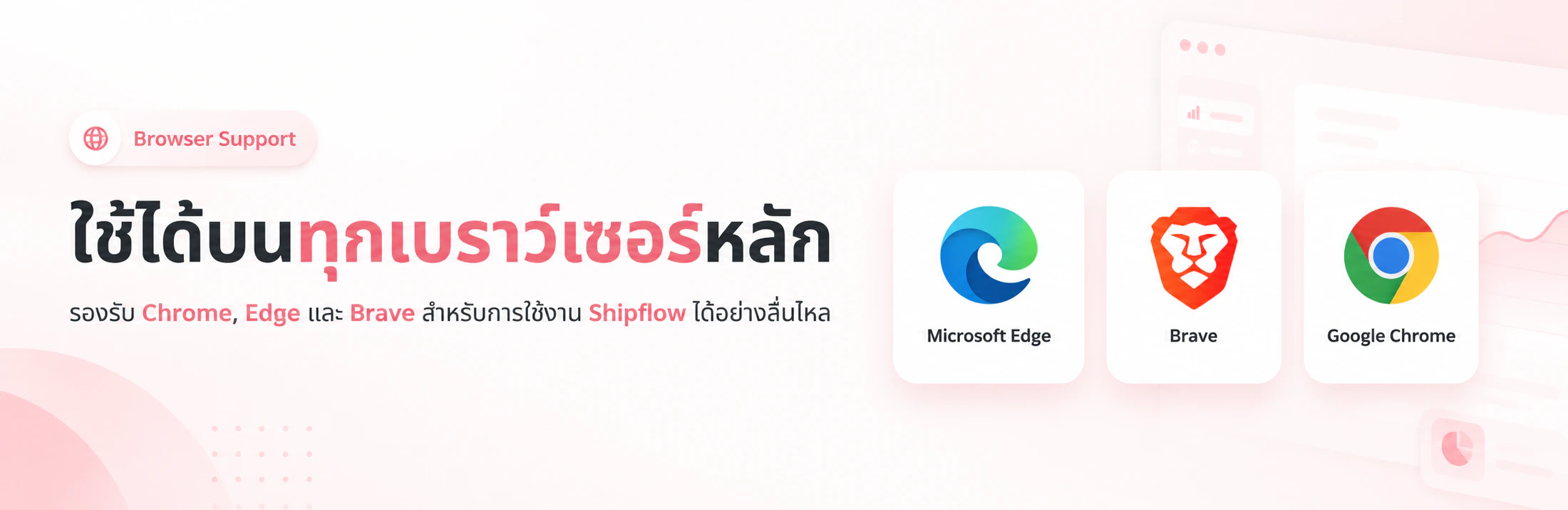 ## ติดตั้งได้ง่ายๆ เพียงไม่กี่คลิก
ติดตั้งผ่าน Chrome Web Store ติดตั้งตามได้เลย
ส่วนขยายจะพร้อมใช้งานอัตโนมัติ เมื่อเปิดหน้า "จัดการคำสั่งซื้อ" หรือ "ฉลากจัดส่ง"
ทดลองฟีเจอร์ VIP ได้ฟรี 3 วัน หรือซื้อรหัสใช้งาน (License Key) ได้ที่นี่
โปรโมชั่นพิเศษถึงสิ้นเดือนนี้
ไปยัง Chrome Web Store
## ติดตั้งได้ง่ายๆ เพียงไม่กี่คลิก
ติดตั้งผ่าน Chrome Web Store ติดตั้งตามได้เลย
ส่วนขยายจะพร้อมใช้งานอัตโนมัติ เมื่อเปิดหน้า "จัดการคำสั่งซื้อ" หรือ "ฉลากจัดส่ง"
ทดลองฟีเจอร์ VIP ได้ฟรี 3 วัน หรือซื้อรหัสใช้งาน (License Key) ได้ที่นี่
โปรโมชั่นพิเศษถึงสิ้นเดือนนี้
ไปยัง Chrome Web Store